Your mountain shortlist, ready for the next trip
Find your next great ski day.
Compare a ski date or the next three days at your mountains in one place. Choose one for your budget. Save your favorites, see the weather side by side, and go straight to the official mountain reports.
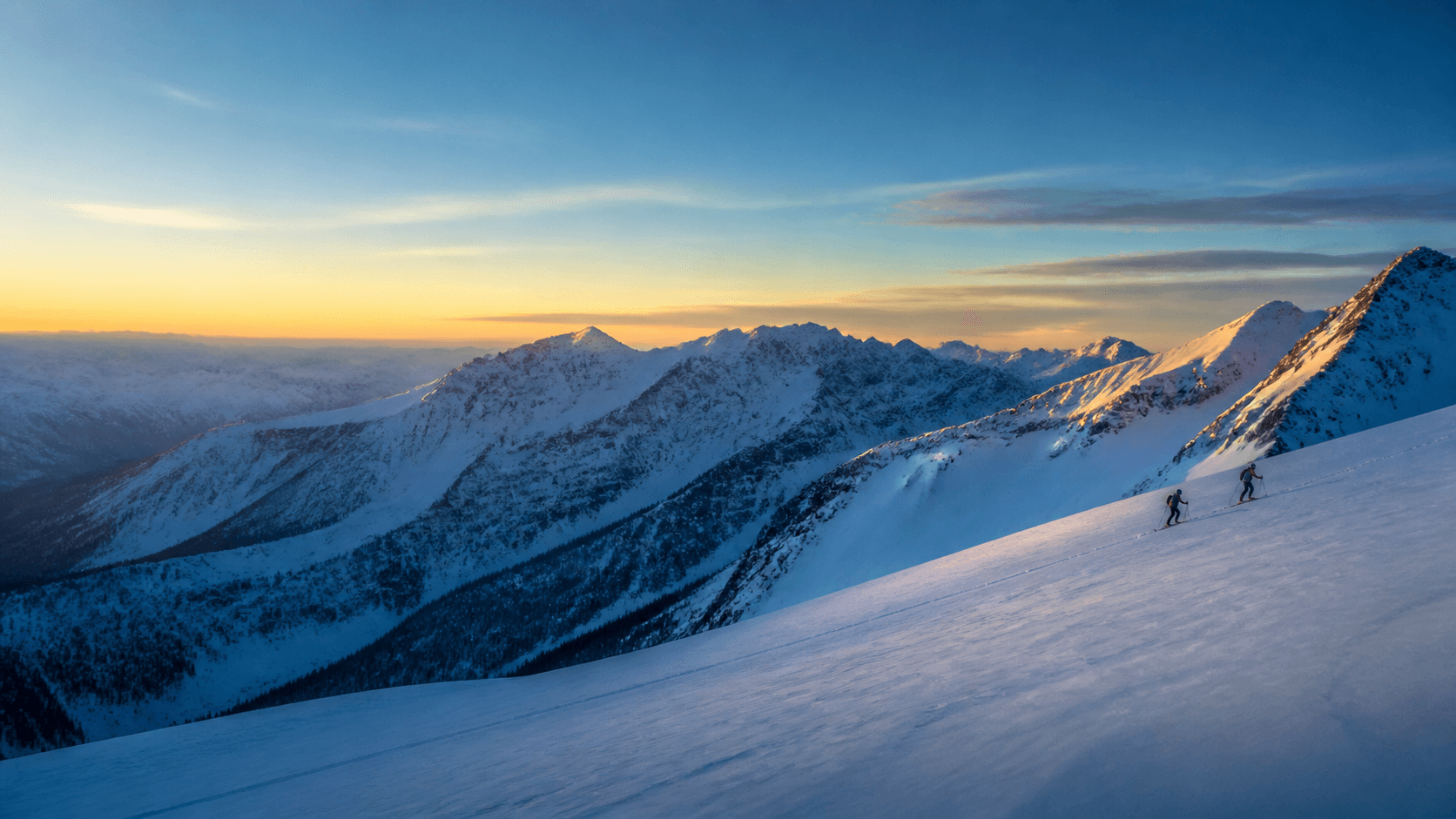
Illustrative mountain loop—not a conditions report or a forecast.
Choose your next ski day
Which mountain looks better?
Compare your options, choose one mountain, then price that ski day. Pick a date for mountain-local weather windows, or leave it blank to compare the next 72 hours.
Units and time-zone preference stay in this browser. Ski-date windows always use each mountain’s local time.
Check a date within ten days against published windows; coverage may be partial, and later weather is less certain. A selected date means that calendar day at each mountain, using its local time zone. These can cover different UTC periods. Without a date, all mountains use the same rolling period. Exact dates transfer to the budget only when you choose a mountain in this tab; dates stay out of shared links and saved lists.
No account needed. Shared links contain mountain names only; recipients request fresh forecasts.
The daily three-check loop
Chase the stoke, keep the decision grounded.
These links are deliberately separate. A model can help you notice a mountain; it cannot settle whether that mountain is open, safe, accessible, or worth changing your plans for.
Notice a signal
Open the current 15-day source map.
Use its two model windows to decide which mountain deserves a closer look. A flake is a source signal—not a resort report, snowfall total, or powder-day promise.
Check map source statusGet closer
Ask the NWS gridpoint for a U.S. mountain.
Choose a mapped U.S. resort and request its published six-hour new-snow windows. Read the source time and representative point before you make a plan.
Open U.S. NWS snow outlookMake it real
Recheck the people who run the mountain.
The operator is the source for lifts, terrain, parking, reservations, closures, and its own conditions report. Check the relevant road authority separately before travel.
Open official resort reports
Your private mountain shortlist
Give this desk your own mountain names.
Start in the global guide, select only the tracked mountains you want to consider, then come back here for the same source-map status and exact operator rechecks. No account, alert, forecast result, or trip detail is saved.
Make the habit easy
Put a daily ski check on your calendar.
Download an optional daily 7:00 AM local-time calendar cue that opens this check-in. You can change or remove the repeating event whenever you want.
Keep weather and buying separate
A signal can start a trip idea. Your actual mountain days decide the pass.
Once the places you want to ski are clear, price a real, editable plan with dated pass information and official rechecks. A snow signal never changes a pass's rules or buys one for you.
What this routine does not promise
No hidden “best mountain” call.
- No stale map is shown when the current source is unavailable.
- No model signal becomes a snowfall depth, base report, lift status, road report, or safety decision.
- No seasonal “mega forecast” is inferred from a 15-day model window.